An AI game prototype difficulty curve test checks whether health, damage, enemy count, spawn timing, rewards, and retry length create a fair ramp before you add more levels. Build one short tuning lane, run three fixed variants, then expand only after the player can lose, learn, and improve for the right reason.
AI can make a second level before the first one has earned it. That speed feels productive, but it can hide a balance problem under fresh scenery. If the player survives because enemies are harmless, or dies because numbers jumped too sharply, more content only spreads the same bad curve across more rooms.
Difficulty is not a mood. It is a set of knobs. Enemy health, player damage, enemy damage, spawn spacing, recovery time, reward timing, and checkpoint distance all tell the player whether the game is asking for skill or just patience.
This is a practical workflow article for AI-assisted 2D prototypes. The sources point to official curve, data, and variable documentation because the article depends on editable tuning values and repeatable state tracking, not broad engine claims.
Godot
A good fit when you want tuning values in resources, signals, scene variables, and small 2D test rooms you can reset quickly.
Unity
Useful when a prototype already needs editable curves, ScriptableObject-style tuning data, and production-grade profiling later.
Phaser
Practical for browser-first tests where scene data, registry values, and quick restarts make tuning passes cheap.
GDevelop
Useful when visible variables help non-programmers tune enemy health, damage, timers, and rewards during a short playtest.
Do Not Balance a Whole Game Yet
Early balance work should feel almost unfair to the prototype. One arena. One route. Three enemies. One reward. One restart. The goal is not to prove the game is fun for an hour. The goal is to learn whether the first ramp teaches anything.
A good test lane has a warm-up, a pressure point, and a recovery. The warm-up lets the player understand the verb. The pressure point asks for better timing or aim. The recovery gives the player enough space to notice what changed. If those three moments blur together, the curve is not readable yet.
A difficulty curve is readable when the player can name why the second attempt went better.
Six Difficulty Knobs to Isolate
| Knob | What it tests | Bad sign |
|---|---|---|
| Enemy health | How long the player must execute the same action before progress happens | The fight feels solved but keeps going |
| Enemy damage | How costly one mistake feels | One early hit decides the run before the player understands the room |
| Enemy count | How much information the player must track at once | The player describes the room as random instead of hard |
| Spawn timing | Whether pressure arrives in learnable waves | The safest strategy is to wait, kite, or exploit the edge of the arena |
| Reward timing | Whether the player gets feedback soon enough to keep trying | The player improves but feels no difference in the run |
| Retry length | How expensive failure feels | The player quits testing because getting back to the mistake takes too long |
Prompt for a Tuning Lane
The weak prompt asks the AI to make level two harder. The better prompt asks for a tuning lane with locked rules, visible variables, and three variants. You want a small experiment, not a content expansion.
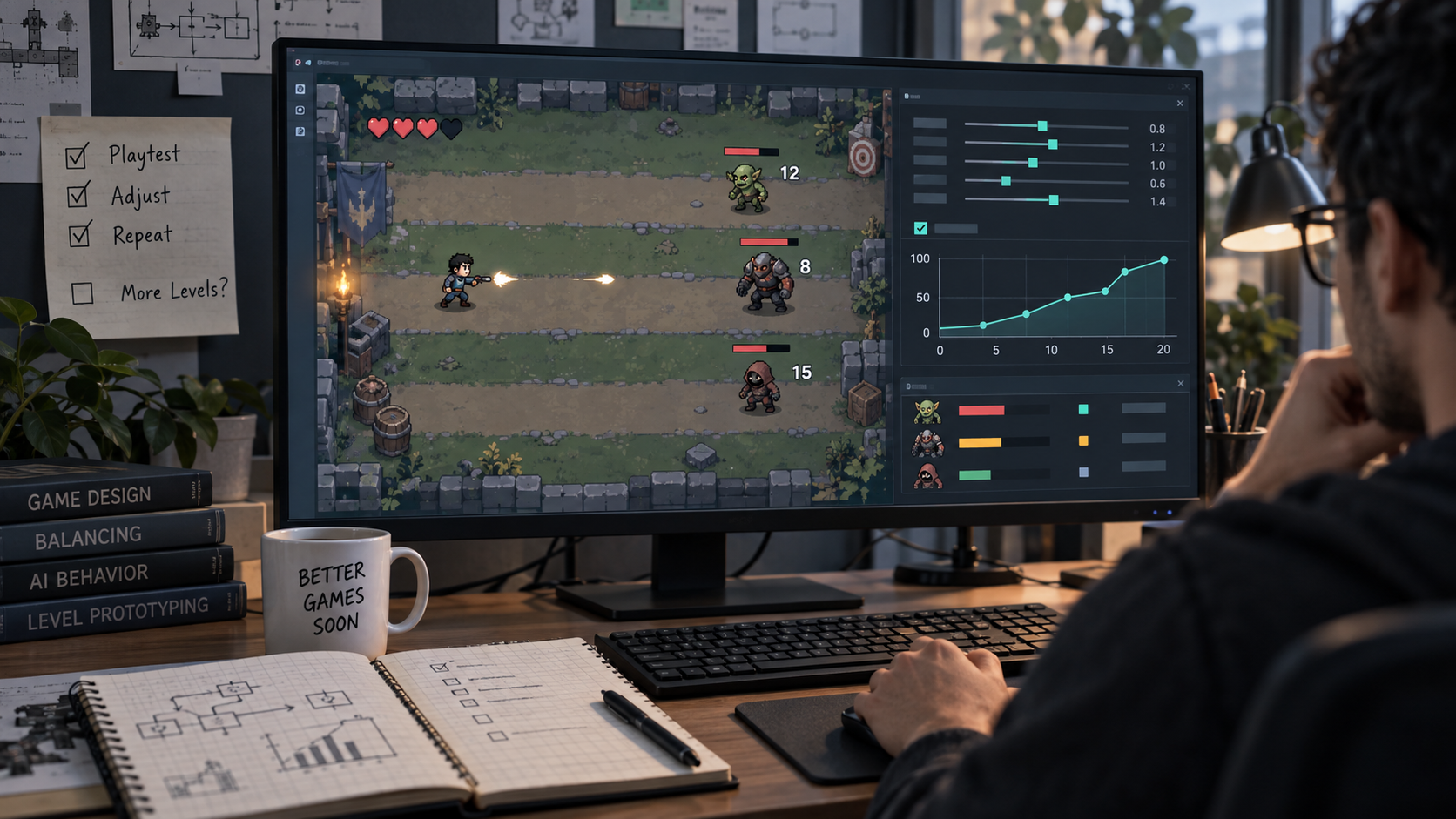
Make the prototype print the active values on screen during the test. Enemy health, damage, spawn interval, reward amount, and retry time should be visible. You do not need a pretty debug panel. You need to know which number changed when the feel changed.
Weak Prompt vs Difficulty Curve Prompt
| Goal | Weak prompt | Better prompt |
|---|---|---|
| Add difficulty | Make the next level harder | Create one short test lane with three enemy waves. Keep art, controls, camera, and player speed unchanged. |
| Tune damage | Make enemies stronger | Create three variants with enemy damage at 1, 2, and 3. Keep enemy health, count, spawn interval, and reward timing unchanged. |
| Tune pacing | Add more enemies | Create three variants with spawn intervals of 2.4, 1.8, and 1.2 seconds. Keep enemy stats unchanged and show the interval on screen. |
| Tune retry | Make the game less frustrating | After death, restart the player at the lane entrance within 3 seconds. Preserve the same first enemy position on every retry. |
Run Three Passes, Not Ten
Ten variants sound scientific until nobody remembers which one felt best. Start with three. Easy, middle, sharp. The easy pass should let the player understand the rule. The middle pass should ask for cleaner execution. The sharp pass should expose whether the mechanic still feels fair under pressure.
Watch for behavior, not just survival. Did the player dodge earlier on attempt two? Did they choose a better target first? Did they use the reward at the right time? A death can be good data if the player knows what to try next.
Lower health
The player understands the fight but repeats the same safe action too long.
Arena brawlers, shooters, and prototypes where enemies become chores after the tactic is solved.Lower damage
The first mistake ends the test before the player can form a second plan.
Early combat rooms, new movement verbs, and games with tight input timing.Widen spawn spacing
The player cannot tell which threat caused the failure.
Wave rooms, lane defense prototypes, and any test with multiple moving hazards.Shorten retry time
The player wants another attempt but the prototype makes them replay dead space.
Precision platformers, short combat lanes, boss tests, and score-chase loops.Keep the Curve Editable
Hard-coded numbers are fine for a throwaway spike, but difficulty work gets messy fast. Put tuning values somewhere visible: exported variables, a config object, a resource, a small JSON file, or a debug panel. The exact container matters less than the habit of changing one value at a time.
Unity curves can drive changing float values over time, which makes them useful once a ramp needs more than a few fixed numbers. Godot curves can hold point-based value changes. Phaser and GDevelop can keep the first pass simpler with data or variables that expose the active numbers during a run.
- Use one lane, one mechanic, one reward, and one restart point.
- Show enemy health, enemy damage, spawn interval, reward amount, and retry time during testing.
- Create only three variants for the first pass: easy, middle, and sharp.
- Change one knob at a time so the result has a cause.
- Judge whether the player improves on attempt two, not only whether they win.
- Add more levels only after the middle variant produces fair pressure and a clear retry.
Earn level two with a curve test. If the first lane cannot teach, pressure, fail, and invite a better second attempt, more levels will mostly multiply the tuning debt.
FAQ
What is an AI game prototype difficulty curve test?
It is a short playable test that isolates enemy health, damage, spawn timing, rewards, and retry length so you can see whether difficulty ramps fairly before adding more levels.
How many difficulty variants should I test first?
Start with three variants: easy, middle, and sharp. More variants can wait until you know which single knob is causing the problem.
Should I add more levels before balancing the first one?
No. Add more levels after the first lane creates fair pressure and lets the player improve on a second attempt. Otherwise you are copying an unclear curve into more content.