An AI game prototype save point smoke test checks whether position, inventory, health, checkpoint, unlocked doors, and versioned data survive save, reload, death, and browser refresh before you expand the map. Keep the world tiny, break the save on purpose, then add rooms only after the prototype remembers what matters.
AI builders are good at making the next room. That is exactly why save points need an early test. If the first playable cannot reload one checkpoint cleanly, every extra room adds more state you will have to untangle later.
Do not treat saving as a late production chore. It is a design test. The save point decides what progress means, what failure costs, and whether the player trusts the game enough to retry.
This is a practical workflow article for AI-assisted 2D prototypes. The sources point to official save, file, browser storage, and data manager documentation because the article depends on persistence behavior, not on broad platform claims.
Chatforce
A prompt-to-game workflow for getting a small 2D browser-playable draft quickly, useful when you want to validate checkpoint behavior before committing to a larger map.
Godot
A good fit when you want explicit save dictionaries, FileAccess, and user data files that can grow into a real save system.
Unity
Useful for simple preference-sized persistence through PlayerPrefs, with heavier file-based saves once state gets larger.
Phaser
Practical for browser prototypes where scene or registry data can be paired with local storage during early save tests.
Browser localStorage
Useful for small browser-playable tests that need simple data to persist across sessions on the same origin.
The Map Is Not the Hard Part Yet
A bigger prototype can make a weak save system look fine for a few minutes. You walk through rooms, collect items, hit a checkpoint, and feel productive. Then you reload and find yourself at the wrong door with the wrong inventory and the right amount of irritation.
The small test is meaner and better. Build one start room, one hazard, one pickup, one locked gate, one checkpoint, and one restart path. Save after each meaningful change. Reload after each save. Kill the player after the checkpoint. Refresh the browser if the build runs on the web.
A save point is not just storage. It is the game making a promise about what counted.
Six Pieces of State to Smoke Test
| State | What to save | Bad sign |
|---|---|---|
| Position | Current room, spawn marker, facing direction, and camera target | The player reloads inside a wall, before the checkpoint, or with the camera pointed at stale space |
| Inventory | Coins, keys, ability flags, equipped item, and temporary pickups you expect to keep | A door stays open but the key returns, or the key disappears while the door resets |
| Health | Current health, max health, invulnerability state, and hazard recovery | The player reloads dead, invincible, or one frame away from unavoidable damage |
| World changes | Opened doors, collected pickups, defeated blockers, moved objects, and triggered bridges | The map remembers half a puzzle and soft-locks the route |
| Checkpoint choice | The active save point and the rule that made it active | An older checkpoint overrides the newer one after reload |
| Save version | A version number and fallback defaults for missing fields | One renamed variable breaks every older test save |
Prompt for a Save Lab, Not a Save Feature
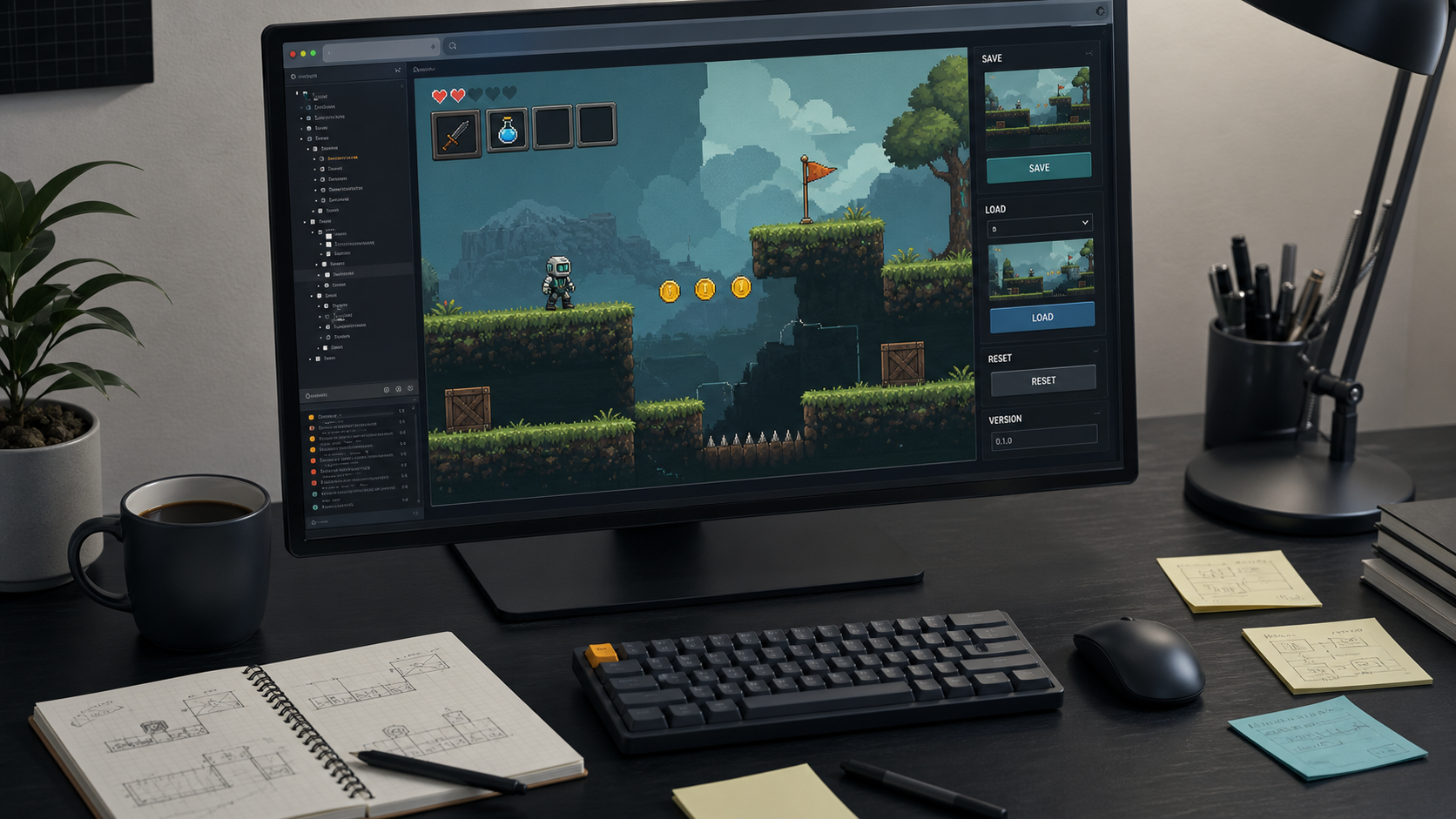
The weak prompt asks the AI to add saving. The stronger prompt asks for a tiny save lab with visible state. You want debug text, repeatable buttons, and ugly truth before you want polish.
This is where Chatforce as a browser game maker fits well. Use it to get the playable loop and save-lab idea on screen fast: one checkpoint, one pickup, one locked gate, one death, and one reload test. Move into Godot, Unity, or a custom Phaser project when the save contract is clear and you need more control over files, platform storage, migrations, or content tools.
Weak Prompt vs Save Smoke Test Prompt
| Goal | Weak prompt | Better prompt |
|---|---|---|
| Add saving | Add a save system to the game | Create one small level with a manual save point. Save room id, checkpoint id, health, coins, one key, one opened door, and saveVersion. |
| Test reload | Make loading work | Add on-screen Save, Load, Reset, and Clear Save buttons. After Load, show each restored field in a debug panel. |
| Test death | Respawn the player at the checkpoint | When the player dies after touching the checkpoint, reload at the checkpoint with coins kept, used key removed, opened door still open, and health restored to 3. |
| Test map expansion | Add three more rooms | Do not add rooms yet. Add one locked gate and one return path so the save can prove whether world changes survive reload. |
Use Three Reload Paths
Most broken prototype saves pass the happy path. Save, load immediately, and everything looks fine. That does not mean the system works. It means you tested the easiest case.
Run three paths instead. First, save and load without dying. Second, save, die, and respawn. Third, save, close or refresh the browser build, then load. If those three paths disagree about coins, doors, health, or spawn position, stop adding map content.
Save less temporary state
The player reloads with combat effects, hit flashes, timers, or invulnerability stuck on.
Action prototypes where frame-level state is leaking into long-term progress.Save more world state
The player keeps an item but the puzzle, door, or route that item changed resets.
Metroidvania rooms, key gates, switches, pickups, and short adventure prototypes.Move checkpoint activation later
The player respawns at a checkpoint before the area is actually safe or understood.
Hazard rooms, boss doors, timed escape rooms, and traversal tests.Add a save version
Small schema changes break old saves during weekly iteration.
Any prototype you expect to keep editing for more than one session.Choose Storage by Prototype Stage
For a web-first prototype, localStorage is fine for small smoke tests. It persists across browser sessions on the same origin, which is enough to test trust in the loop. It is not a long-term plan for large structured saves, account syncing, or cross-device progress.
In Godot, start with an explicit save dictionary and user data file so fields are visible. In Unity, PlayerPrefs can cover small preference-like values, but do not turn it into a dumping ground for large save blobs. In Phaser, keep scene or registry data clear, then choose what crosses the line into browser storage.
- Keep the test map to one checkpoint, one pickup, one locked gate, one hazard, and one death path.
- Show saved fields in a debug panel until the test passes.
- Test save plus load, save plus death, and save plus browser refresh separately.
- Save durable progress, not animation frames, temporary hit effects, or short timers.
- Add a saveVersion field before the prototype starts changing every week.
- Expand the map only after reload state matches player expectation three times in a row.
Build the save point while the world is still small. If the prototype cannot remember one checkpoint honestly, a bigger map only gives the bug more places to hide.
FAQ
What is an AI game prototype save point smoke test?
It is a small playable test that checks whether checkpoint, position, health, inventory, world changes, and save version survive save, load, death, and browser refresh before you expand the map.
Should I add save points before the full map exists?
Yes. Add one save point early so progress rules are visible while the prototype is still small enough to inspect and reset quickly.
Is localStorage enough for a browser game prototype?
It is enough for small browser-playable smoke tests with simple state. Move to a more deliberate storage plan when saves become large, structured, cross-device, or tied to accounts.
Sources
- docs.godotengine.org/en/stable/tutorials/io/saving_games.html
- docs.godotengine.org/en/stable/classes/class_fileaccess.html
- docs.unity3d.com/6000.5/Documentation/ScriptReference/PlayerPrefs.html
- docs.unity3d.com/6000.5/Documentation/ScriptReference/PlayerPrefs.Save.html
- developer.mozilla.org/en-US/docs/Web/API/Window/localStorage
- docs.phaser.io/phaser/concepts/data-manager
- chatforce.com/game-studio
- chatforce.com/browser-game-maker