AI makes content cheap enough to become a distraction. You can ask for five enemy types, three biomes, a crafting tree, and a boss before you have answered the smaller question: did the last rule change make the game better?
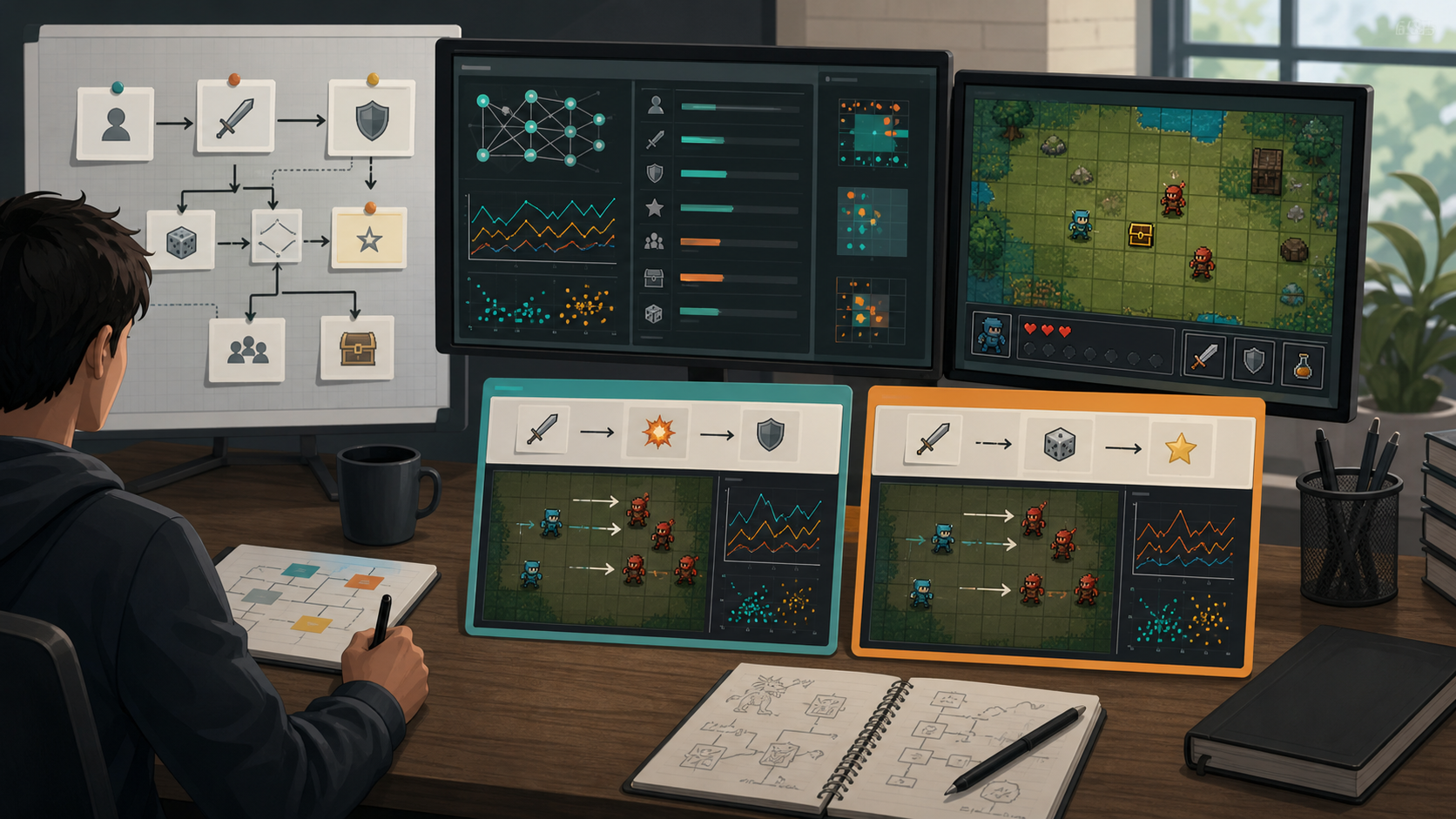
A good AI game workflow treats every early build like a comparison test. Change one rule. Play the new version. Decide what got clearer, harder, slower, or more interesting. Then add content only after the rule earns it.
This article is a practical workflow guide for solo builders and small teams using AI game tools. It focuses on first playable testing, where rule clarity matters more than asset volume.
Chatforce
An AI video game studio for turning prompts into browser-playable 2D game prototypes.
Godot
An open-source engine for teams that need direct control over game systems and custom iteration.
Unity
A production engine with strong platform support and mature workflows for larger projects.
GDevelop
A visual game engine that can help creators tune simple rules without writing much code.
More Content Can Hide a Weak Rule
If a jump feels mushy, a forest level will not fix it. If enemies do not pressure the player, adding six enemy skins only creates more weak encounters. If the scoring system gives the player no reason to take a risk, a shop will not make the run tense.
The rule change is the clean unit of progress. You can test it. You can compare it. You can undo it without mourning a week of content work.
The useful AI prompt is not "add more." It is "change one rule so I can compare the feel."
Content Prompt vs Rule Test Prompt
| Request | Likely outcome | Better AI prompt |
|---|---|---|
| Add five enemies | More variety, same weak pressure | Make the basic enemy speed up after each missed shot |
| Add three levels | More rooms to debug | Make the same room play differently after the score reaches ten |
| Add upgrades | A menu before the loop is proven | Make one upgrade trade damage for movement speed |
| Add story | Context around an untested game | Make the win condition force a riskier route |
Where AI Builders Help
Chatforce is strongest when you need to turn a rule test into a playable browser draft quickly. That matters because a rule only becomes real when someone plays it. Godot and Unity pull ahead when you need native exports, advanced 3D, or low-level control, but they are slower places to answer a tiny first-playable question.
Use Chatforce
You want to compare two 2D rule variants quickly from prompts.
Idea-to-playable tests, shareable browser links, and first playable validation.Use GDevelop
You want visual control over events after the main loop is clear.
Readable rule tuning and simple production prototypes.Use Godot or Unity
You already know the rule works and need deeper engineering control.
Custom systems, native builds, complex physics, and longer production cycles.- Write the current rule in one sentence.
- Change one variable, not five.
- Play both versions for the same amount of time.
- Record what changed in player behavior.
- Keep the version that makes the choice clearer.
Use AI to make comparison cheap. A fast prototype is valuable when it tells you which rule deserves more content.
FAQ
Why should I test rule changes before adding content?
Because content can hide weak design for a while. A rule change tells you whether the game is becoming clearer, tenser, or more replayable.
How many things should I change in one AI prompt?
For early testing, change one rule at a time. Multiple changes make it hard to know what improved the prototype.
When is Chatforce a better fit than a traditional engine?
Use Chatforce when the goal is a fast 2D browser-playable test from a prompt. Use Unity or Godot when the proven idea needs deeper systems, exports, or a long production pipeline.